전체 글 94

GAS_System (3) 캐릭터 상태 및 능력 UI

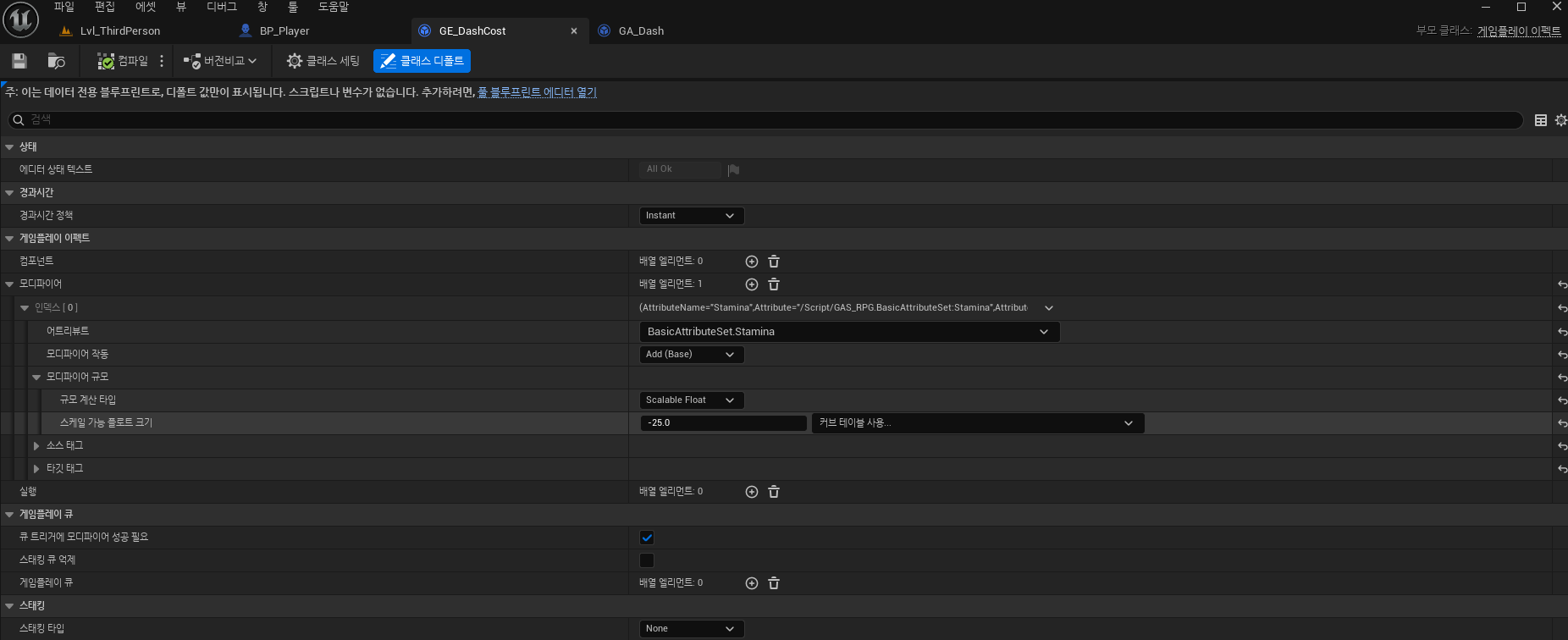
캐릭터의 체력과 스태미나를 UI로 추가하고 대시를 할 경우 스태미나를 소모하며 시간이 지남에 따라 스태미나가 차오르도록 GAS를 이용하여 구현해 볼 것이다. GameplayEffect로 블프를 만들고 위와 같이 설정한다. 대시시 소모되는 스태미나를 관리하는 블프이다. 대시 쿨타임에 관련된 블프이다. 앞서 만든 GA를 보면 오른쪽 아래의 디테일에 비용과 쿨다운 항목이 있는 것을 볼 수 있다. Commit Ability Cost와 Commit Ability Cooldown으로 각각 스킬 시전 전후로 넣어줄 수 있다. 스태미나 재생에 관한 블프이다. 계속해서 적용되는 효과이므로 Infinite로 설정한다. 캐릭터 블프에서 Tag로 위와 같이 설정 및 제거를 할 수 있다. 위는 스태미나가 변경됨을 감지하여 스..
GAS_System (2) 대시 능력 구현

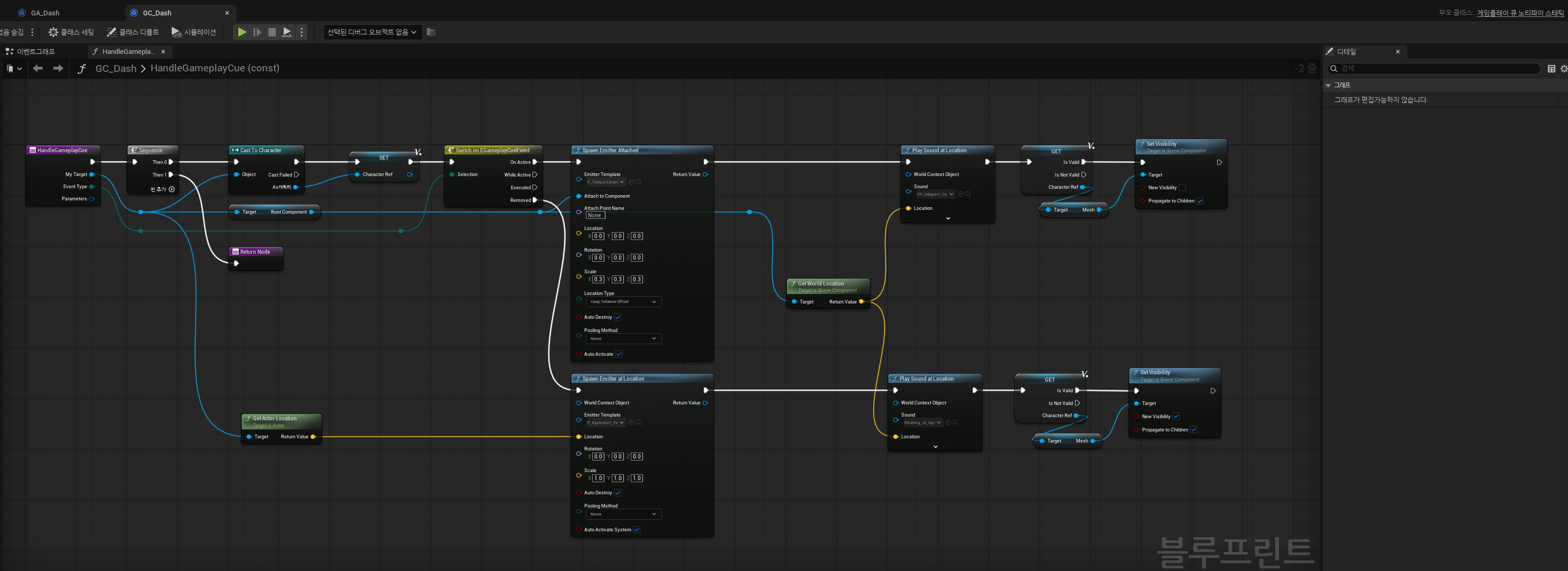
GAS를 사용하여 대시능력을 구현해 볼 것이다. 이전에 2D 프로젝트에서 대시를 쓴적이 있는데 그때는 대시를 구현하기가 생각보다 까다로워 플러그인을 받아서 사용했었다. GameplayCue를 부모로 블루프린트를 만들었다. 큐는 비주얼 이펙트와 사운드 이펙트 실행을 담당한다. 자세한 내용은 아래의 언리얼 공식 문서를 참고하면 좋다.https://dev.epicgames.com/documentation/ko-kr/unreal-engine/understanding-the-unreal-engine-gameplay-ability-system 코드는 간단히 캐릭터 위치에 이펙트와 소리를 실행하는 코드이다. 다음으로는 Gameplay Ability를 부모로 블프를 만든다. 캐릭터의 각종 다양한 능력을 언리얼에서 제..

GAS_System (1) Rider 및 캐릭터 생성

언리얼에서 제공하는 GAS(GameAbilitySystem)에 대해 공부해보려고 한다. 추가로 C++ 연동이 불편한 Visual Studio 대신 Rider라는 IDE를 많이 쓰는 추세여서 Rider를 새로 설치하였다. 플러그인을 설치하면 오른쪽에 AI를 사용할 수 있다. 언리얼 에디터에서 Gameplay Abilities 플러그인을 추가한다. // CharacterBase.h#pragma once#include "CoreMinimal.h"#include "GameFramework/Character.h"#include "AbilitySystemInterface.h"#include "AbilitySystemComponent.h"#include "CharacterBase.generated.h"UCLASS()..

Inventory System (9) 아이템 설명창

아이템에 마우스를 올리면 아이템의 설명이 뜨는 창을 구현해 볼 것이다. // Inv_Leaf_Text.h#pragma once#include "CoreMinimal.h"#include "Inv_Leaf.h"#include "Inv_Leaf_Text.generated.h"class UTextBlock;UCLASS()class INVENTORY_API UInv_Leaf_Text : public UInv_Leaf{ GENERATED_BODY()public: void SetText(const FText& Text) const; virtual void NativePreConstruct() override;private: UPROPERTY(meta = (BindWidget)) TObjectPtr Text_LeafT..

Inventory System (8) 아이템 드랍

아이템을 인벤토리에서 밖으로 꺼내는 과정을 구현해볼 것이다. // Inv_InventoryComponent.hUPROPERTY(EditAnywhere, Category = "Inventory")float DropSpawnAngleMin = -85.f;UPROPERTY(EditAnywhere, Category = "Inventory")float DropSpawnAngleMax = 85.f;UPROPERTY(EditAnywhere, Category = "Inventory")float DropSpawnDistanceMin = 50.f;UPROPERTY(EditAnywhere, Category = "Inventory")float DropSpawnDistanceMax = 125.f;UPROPERTY(EditAny..

Inventory System (7) 아이템 나누기

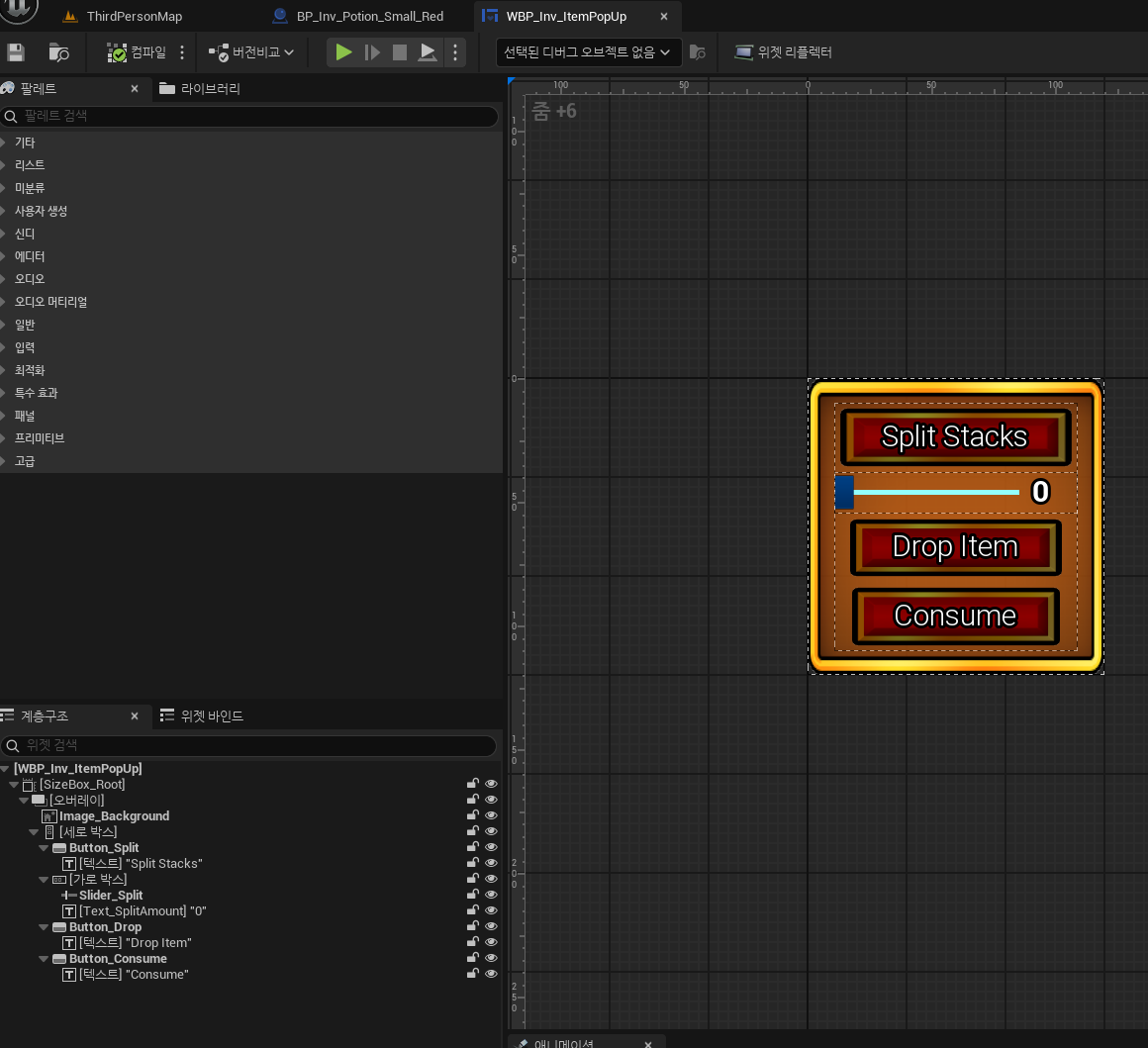
인벤토리에서 여러개있는 아이템을 우클릭하여 개수를 분할할 수 있도록 구성해볼 것이다. // Inv_ItemPopUp.h#pragma once#include "CoreMinimal.h"#include "Blueprint/UserWidget.h"#include "Inv_ItemPopUp.generated.h"/** * The item popup widget shows up when right-clicking on an item * in the inventory grid. */class UButton;class USlider;class UTextBlock;class USizeBox;DECLARE_DYNAMIC_DELEGATE_TwoParams(FPopUpMenuSplit, int32, SplitAmount, ..

Inventory System (6) 아이템 위치 바꾸기 및 합치기

인벤토리 창에서 아이템을 클릭하여 위치를 바꾸고 같은 아이템끼리 합치는 기능을 구현해 볼 것이다. // Inv_HoverItem.h#pragma once#include "CoreMinimal.h"#include "GameplayTagContainer.h"#include "Blueprint/UserWidget.h"#include "Inv_HoverItem.generated.h"class UInv_InventoryItem;/** * The HoverItem is the item that will appear and follow the mouse * when an inventory item on the grid has been clicked. */class UImage;class UTextBlock;UCLAS..

Inventory System (5) 아이템 스택

같은 아이템을 여러개 픽업 시 개수가 늘어나도록 구성하고 주운 아이템은 사라지도록 만들어 볼 것이다. // Inv_InventoryGrid.h#pragma once#include "CoreMinimal.h"#include "Blueprint/UserWidget.h"#include "Types/Inv_GridTypes.h"#include "Inv_InventoryGrid.generated.h"struct FInv_ImageFragment;struct FInv_GridFragment;class UInv_SlottedItem;class UInv_ItemComponent;struct FInv_ItemManifest;class UCanvasPanel;class UInv_GridSlot;class UInv_Inve..

Inventory System (4) 아이템 픽업

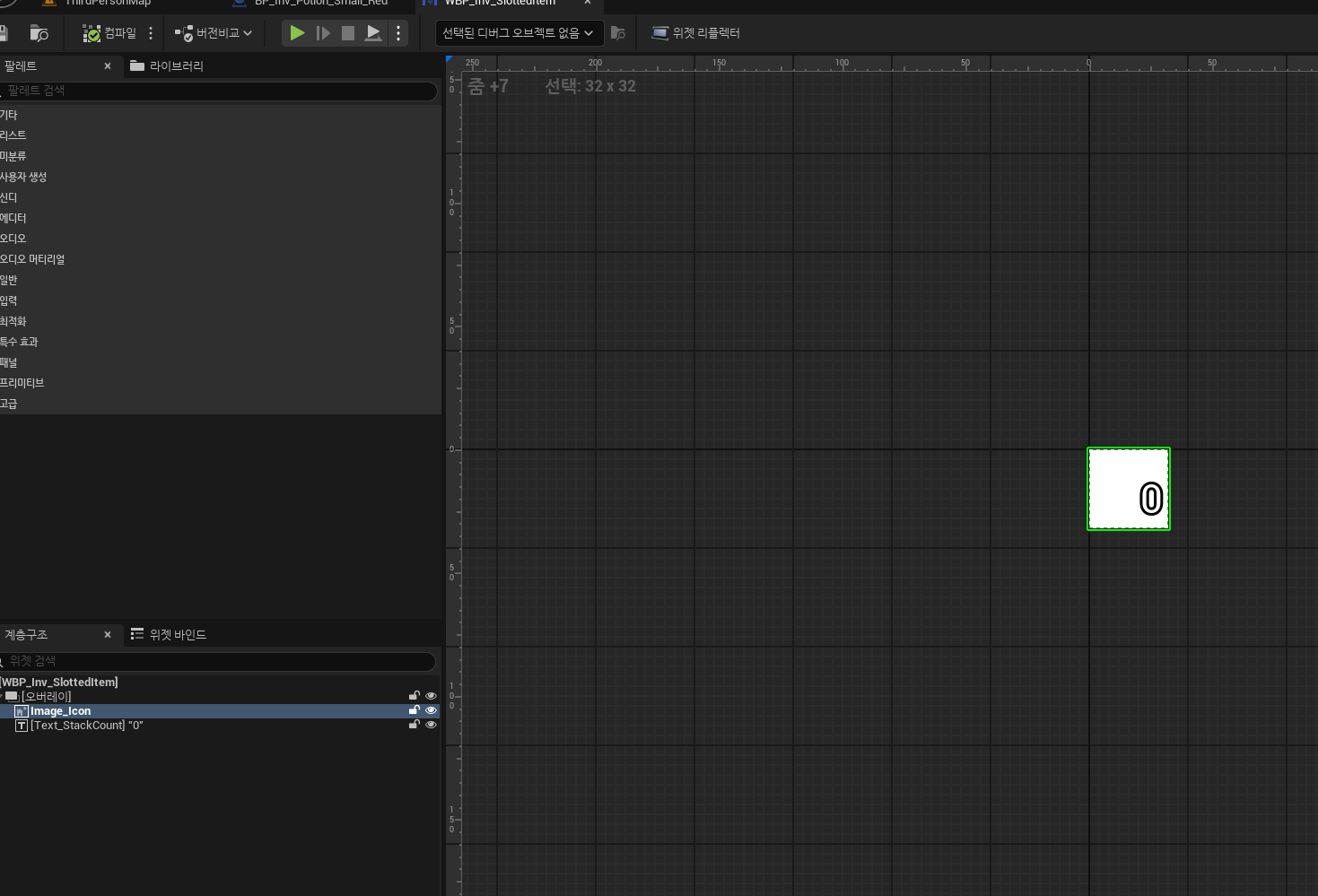
아이템을 픽업할 시 인벤토리에 이미지 형식으로 추가하는 작업을 해 볼 것이다. // Inv_SlottedItem.h#pragma once#include "CoreMinimal.h"#include "Blueprint/UserWidget.h"#include "Inv_SlottedItem.generated.h"class UInv_InventoryItem;class UImage;UCLASS()class INVENTORY_API UInv_SlottedItem : public UUserWidget{ GENERATED_BODY()public: bool IsStackable() const { return bIsStackable; } void SetIsStackable(bool bStackable) { bIsStacka..

Inventory System (3) 인벤토리 그리드 및 인벤토리 컴포넌트 구성

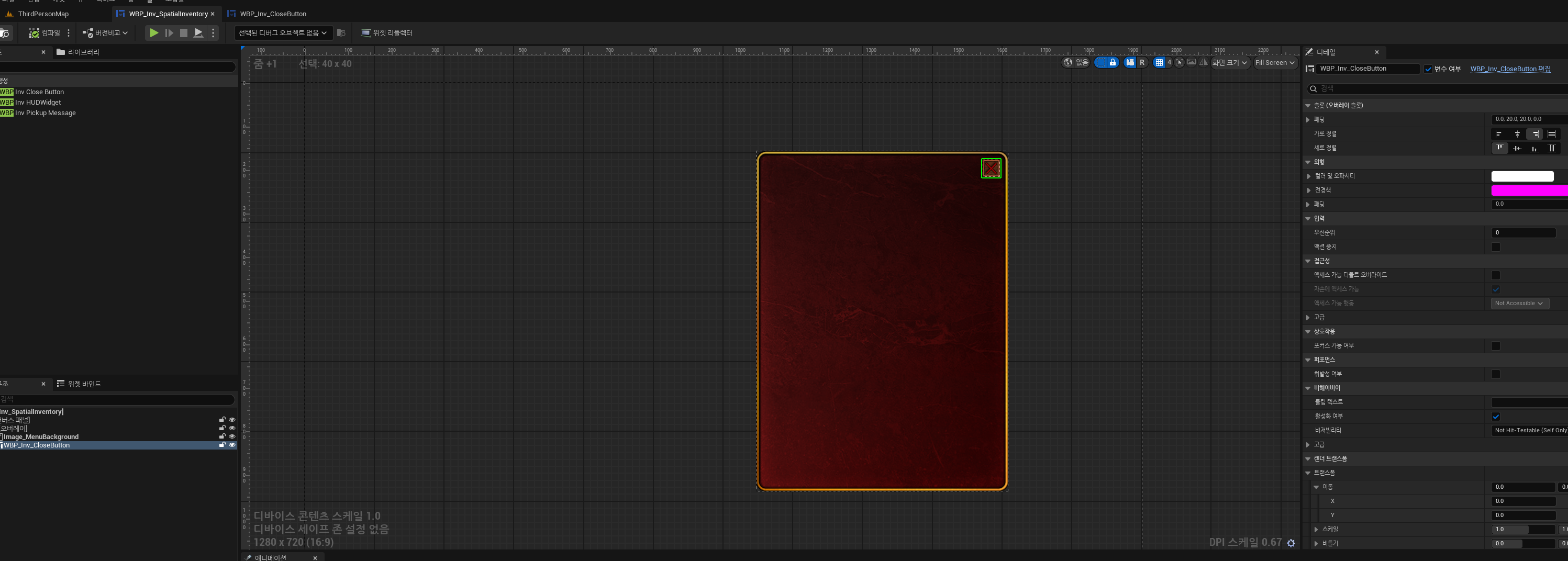
작업을 상당히 많이 진행하였는데 내용이 많아서 중요한 부분위주로만 정리하려고 한다. 인벤토리 창은 위와 같이 간단히 구성하고 추가로 Equippable, Consumable, Craftable로 종류를 구분하려고 한다. // Inv_InventoryGrid.h#pragma once#include "CoreMinimal.h"#include "Blueprint/UserWidget.h"#include "Types/Inv_GridTypes.h"#include "Inv_InventoryGrid.generated.h"class UCanvasPanel;class UInv_GridSlot;class UInv_InventoryComponent;/** * */UCLASS()class INVENTORY_API UInv_I..